
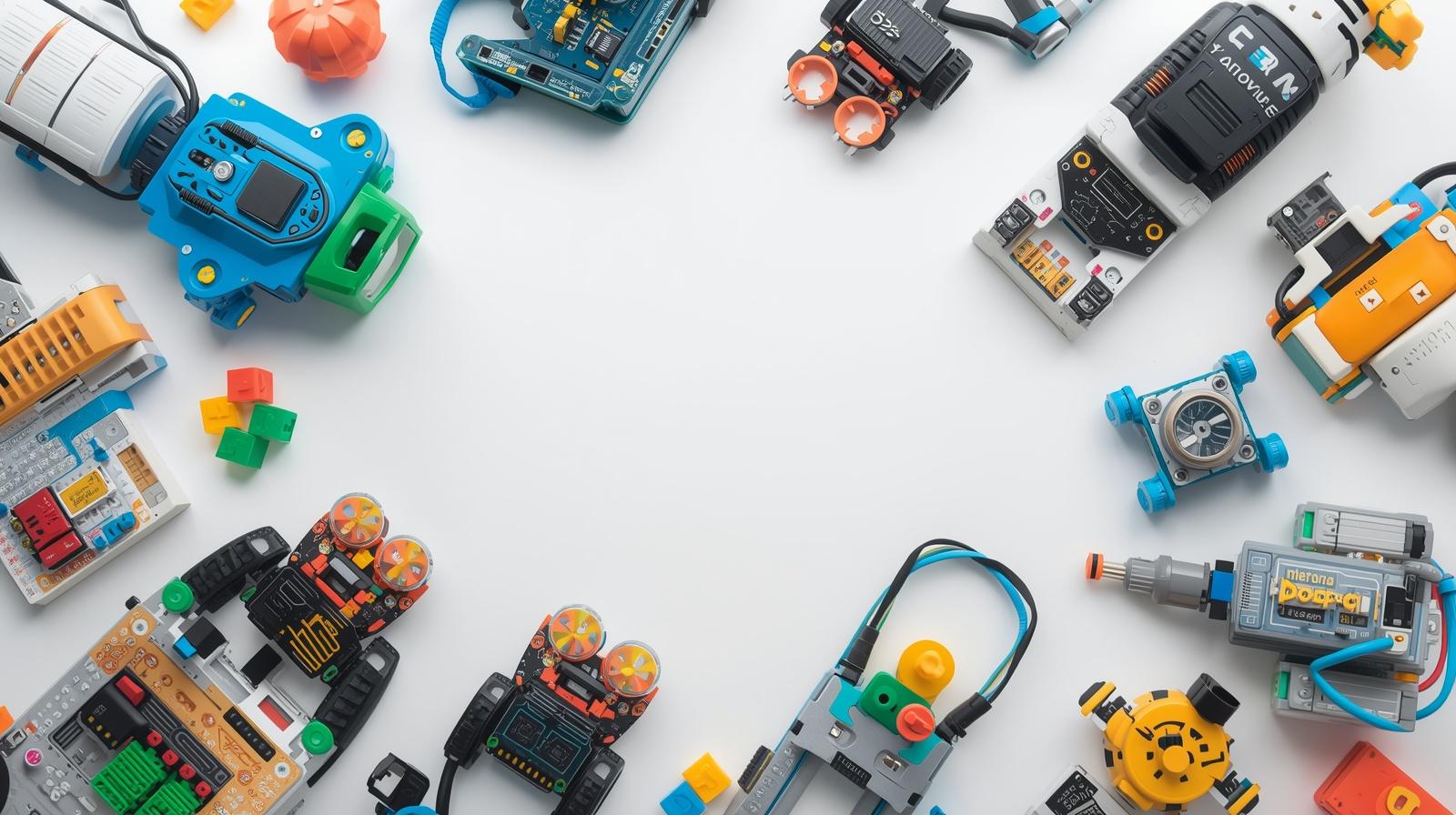
Not all “coding toys” actually teach coding.
Many popular toys simply involve pressing buttons or following pre-set commands—fun, but not truly educational. If you want your child to develop real coding skills, you need toys that go beyond basic interaction and introduce actual programming logic.
In this guide, we’ll explore the top STEM toys that teach real coding concepts like sequencing, loops, conditionals, and problem-solving—without overwhelming kids.
Perfect for ages 6–12, these toys help kids build a strong foundation for future programming.
What “Real Coding Skills” Actually Means
Before choosing a toy, it’s important to understand what real coding skills include:
- Sequencing (step-by-step instructions)
- Loops (repeat actions)
- Conditionals (if/then logic)
- Debugging (finding and fixing mistakes)
- Algorithmic thinking
** If a toy doesn’t teach at least some of these, it’s likely just a “button toy.”
Quick Comparison Table
| Toy | Coding Depth | Screen Required | Best For |
|---|---|---|---|
| Scratch Coding Kit | ⭐⭐⭐⭐⭐ | Yes | Real programming |
| LEGO Robotics Kit | ⭐⭐⭐⭐⭐ | Optional | Engineering + coding |
| Microcontroller Board | ⭐⭐⭐⭐⭐ | Yes | Advanced learners |
| Coding Robot (Screen-Free) | ⭐⭐⭐⭐ | No | Beginners |
| Osmo Coding Kit | ⭐⭐⭐⭐ | Yes | Interactive learning |
| Code Puzzle Games | ⭐⭐⭐⭐ | No | Logic building |
| Python Starter Kit | ⭐⭐⭐⭐⭐ | Yes | Older kids |
| Arduino Starter Kit | ⭐⭐⭐⭐⭐ | Yes | Hands-on coding |
| Binary Coding Game | ⭐⭐⭐ | No | Fundamentals |
| App-Based Coding Toy | ⭐⭐⭐⭐ | Yes | Guided learning |
Top 10 STEM Toys That Teach Real Coding
1. Scratch Coding Kit (Best for Real Programming Basics)
This kit introduces kids to block-based coding using the Scratch platform.
Why it teaches real coding:
Kids create animations, games, and stories using logic blocks that mirror real programming structures.
Skills learned: Sequencing, loops, conditionals
Best for: Ages 7–12
2. LEGO Robotics Coding Kit (Best for Engineering + Coding)
Combines building with programmable robots.
Why it teaches real coding:
Kids write code to control movement, sensors, and actions—similar to real robotics programming.
Skills learned: Logic, automation, problem-solving
Best for: Ages 8–12
3. Microcontroller Coding Board (Best for Advanced Learners)
Entry-level hardware boards like microcontrollers introduce real-world coding.
Why it teaches real coding:
Kids write actual code to control LEDs, sensors, and motors.
Skills learned: Programming logic, hardware control
Best for: Ages 10+
4. Screen-Free Coding Robot (Best for Beginners)
Robots that follow physical coding commands (cards or buttons).
Why it teaches real coding:
Teaches sequencing and logic without screens, making it easier for younger kids.
Skills learned: Sequencing, debugging
Best for: Ages 6–9
5. Osmo Coding Kit (Best Interactive Coding System)
A hybrid system combining physical pieces with digital gameplay.
Why it teaches real coding:
Kids solve coding challenges using logic-based commands and immediate feedback.
Skills learned: Problem-solving, logic
Best for: Ages 6–10
6. Coding Puzzle Games (Best for Logical Thinking)
Board games and puzzle kits designed around coding logic.
Why it teaches real coding:
Encourages kids to think like programmers by solving step-by-step challenges.
Skills learned: Algorithms, planning
Best for: Ages 6–10
7. Python Starter Kit for Kids (Best for Text-Based Coding)
Beginner-friendly kits that introduce real programming languages like Python.
Why it teaches real coding:
Kids write actual code, not just drag-and-drop blocks.
Skills learned: Syntax, logic, real coding
Best for: Ages 10–12
8. Arduino Starter Kit (Best for Hands-On Coding Projects)
A powerful tool for building real electronic projects.
Why it teaches real coding:
Kids write code to control hardware components, just like real engineers.
Skills learned: Embedded programming, electronics
Best for: Ages 10+
9. Binary Code Learning Game (Best for Core Concepts)
Simple games that teach how computers think using binary logic.
Why it teaches real coding:
Builds foundational understanding of how data works in computing.
Skills learned: Binary logic, computational thinking
Best for: Ages 6–10
10. App-Based Coding Learning Systems (Best Guided Learning)
Structured apps with progressive coding lessons.
Why it teaches real coding:
Step-by-step challenges introduce real coding concepts in a guided way.
Skills learned: Logic, debugging
Best for: Ages 7–12
🚫 Toys That Do NOT Teach Real Coding
Avoid toys that:
- Only involve pressing buttons
- Have no problem-solving element
- Don’t allow creativity or modification
- Don’t teach logic or sequencing
👉 These are entertainment toys—not coding tools.
🏆 Best Picks by Category
- Best Overall → Scratch Coding Kit
- Best for Robotics → LEGO Coding Kit
- Best for Beginners → Screen-Free Coding Robot
- Best for Advanced Kids → Arduino Kit
- Best Screen-Free Option → Coding Puzzle Games
How to Choose the Right Coding Toy
1. Age & Skill Level
- Beginner → Screen-free or block coding
- Intermediate → Robotics kits
- Advanced → Arduino or Python
2. Learning Style
- Visual learners → Scratch
- Hands-on learners → Arduino
- Game-based learners → Osmo
3. Long-Term Value
Choose toys that grow with your child’s skills.
Final Verdict
If you want your child to learn real coding:
👉 Choose toys that teach logic, problem-solving, and programming concepts
The best progression is:
- Screen-free logic toys
- Block-based coding
- Real programming (Python/Arduino)
FAQs
What is the best age to start coding toys?
Kids can start as early as age 5–6 with simple logic-based toys.
Are coding toys better than apps?
Yes, especially hands-on toys that combine physical interaction with coding logic.
Do kids really learn programming from toys?
Yes—if the toy teaches real concepts like loops, conditionals, and debugging.
Final Thoughts
Coding is one of the most valuable skills kids can learn today—but only if they’re learning it the right way.
By choosing toys that go beyond button pressing, you’re helping your child develop real, future-ready skills.