
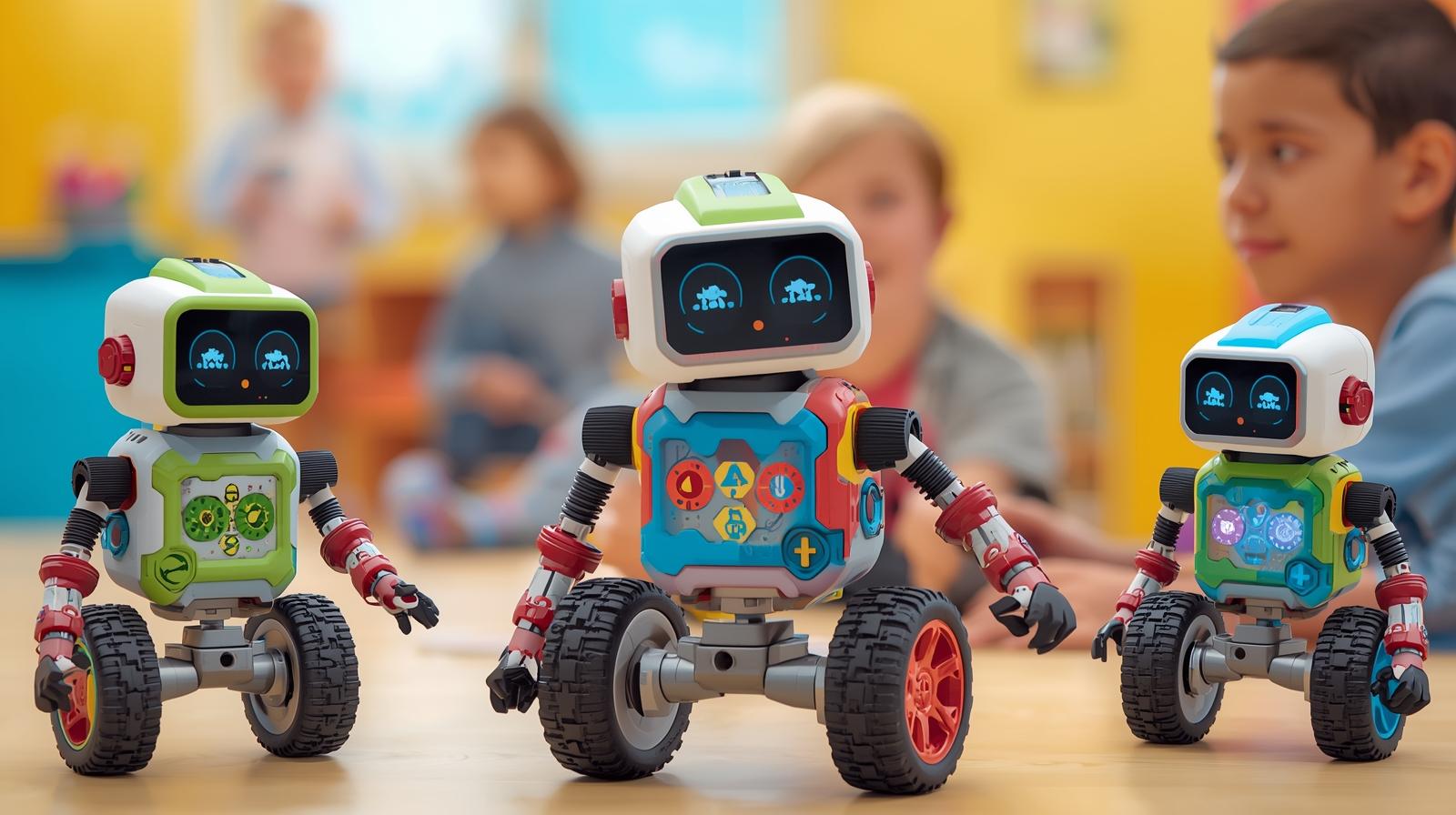
Eight-year-olds are ready for real logic challenges.
They can plan, test ideas, and understand cause-and-effect on a deeper level.
If you’re trying to reduce screen time but still want powerful STEM learning, screen-free robots are an excellent choice.
Unlike app-based kits, these robots require kids to:
- Think ahead
- Plan full sequences
- Debug independently
- Physically organize commands
That’s real coding logic.
Let’s break down the best options in detail.
1. Botley 2.0 The Coding Robot
Best For: Beginners ready for longer logic sequences
Botley 2.0 is one of the most parent-loved screen-free robots because it feels simple—but offers surprising depth.
What Makes It Powerful
Unlike many entry-level coding toys, Botley allows:
- Up to 150-step programming sequences
- Loop commands
- Object detection
- Hidden “black line” following features
That means your 8-year-old can move beyond basic forward/turn commands into real logical pattern building.
Learning Benefits
- Teaches sequencing structure
- Introduces algorithm repetition (loops)
- Builds debugging skills
- Encourages spatial planning
Challenge Ideas
- Build a multi-room obstacle course
- Create a timed delivery mission
- Add “one mistake resets the sequence” rule
Things to Consider
- Best for kids who enjoy structured challenges
- Less open-ended than robotics kits with building components
If your child loves puzzles and structured missions, Botley is a strong starting point.
2. Matatalab Coding Set
Best For: Visual learners who like seeing coding physically mapped
Matatalab stands out because kids program using physical tiles placed onto a coding board.
Instead of pressing buttons, they build their code visually.
What Makes It Unique
- Physical command tiles (forward, turn, loop, function)
- Visible algorithm structure
- Add-on packs for advanced coding concepts
- No reading required
This makes abstract coding extremely concrete.
Learning Benefits
- Algorithm visualization
- Function building
- Logical flow development
- Early computational thinking
Long-Term Growth
With expansion packs, kids can explore:
- Music coding
- Drawing functions
- Advanced logic structures
Matatalab grows better than many entry-level coding robots.
3. Learning Resources Code & Go Robot Mouse
Best For: Maze builders and strategic thinkers
This robot mouse turns coding into a strategy puzzle.
Kids design their own maze, then program the mouse to reach the cheese.
Why It Works at Age 8
Although designed for younger kids originally, 8-year-olds can:
- Build more complex multi-turn mazes
- Add traps or false paths
- Create multi-stage missions
Learning Benefits
- Planning ahead before execution
- Spatial reasoning
- Logical prediction
- Cause-and-effect reinforcement
How to Increase Difficulty
- Require kids to write their code before pressing buttons
- Add command limits (e.g., max 10 moves)
- Create timed challenges
Simple design—but surprisingly strong logic training.
4. Makeblock mBot Ranger
Best For: Engineering-focused kids ready for complexity
This is more advanced and better suited for confident 8-year-olds.
Unlike simple push-button robots, mBot Ranger introduces real robotics structure.
Key Features
- Multiple build configurations
- Sensors for obstacle detection
- Mechanical assembly components
- Expandable hardware
While often used with software later, it supports early unplugged robotics exploration.
Learning Benefits
- Engineering design principles
- Mechanical problem-solving
- Structural building logic
- Cause-and-effect with sensors
This is ideal if your child:
- Loves building
- Enjoys figuring out how machines work
- Wants more than basic directional coding
5. Thames & Kosmos Kids First Coding & Robotics
Best For: Younger or less confident 8-year-olds
Though labeled for slightly younger kids, it can still be useful for:
- Building foundational logic
- Reinforcing sequencing
- Screen-free introduction
Strengths
- Story-based missions
- Physical coding blocks
- Gentle learning curve
Limitations
- Less challenging long term
- May be outgrown faster
Best as a stepping stone before more advanced robotics kits.
How to Choose the Right Screen-Free Robot
Ask yourself:
✔ Does my child prefer puzzles or building?
✔ Are they patient with step-by-step tasks?
✔ Do they enjoy independent challenges?
✔ Do they get frustrated easily?
If they love pure logic → Matatalab
If they love obstacle missions → Botley
If they love engineering → mBot Ranger
How to Make Screen-Free Coding Even More Powerful
You can amplify learning by:
- Having kids draw their sequence first
- Asking them to predict outcomes before pressing start
- Encouraging self-debugging before helping
- Adding real-world themes (delivery robot, rescue robot, etc.)
Coding isn’t about memorizing commands.
It’s about thinking differently.
Final Thoughts
Screen-free programmable robots for 8-year-olds are incredibly effective for building deep logical thinking without extra digital exposure.
The best ones:
- Allow long sequences
- Encourage planning
- Support expansion
- Reward persistence
At this age, confidence matters.
When kids solve a difficult robot challenge on their own, they build a mindset that says:
“I can figure hard things out.”
That’s the real goal of STEM.